Algorithms and Flowcharts
Algorithms and flowcharts are fundamental tools used in programming and software development. Before writing actual code, programmers use algorithms and flowcharts to understand, plan, and visualize the solution to a problem. These tools help in organizing thoughts, reducing errors, and creating efficient programs.
Every computer program starts with a problem that needs to be solved. Writing code without proper planning often results in confusion, errors, and inefficient solutions. Algorithms provide a step-by-step procedure for solving a problem, while flowcharts represent those steps graphically using standardized symbols.
Whether developing a simple calculator or a complex software application, understanding algorithms and flowcharts is essential for every programmer. They improve logical thinking, simplify program design, and make debugging easier.
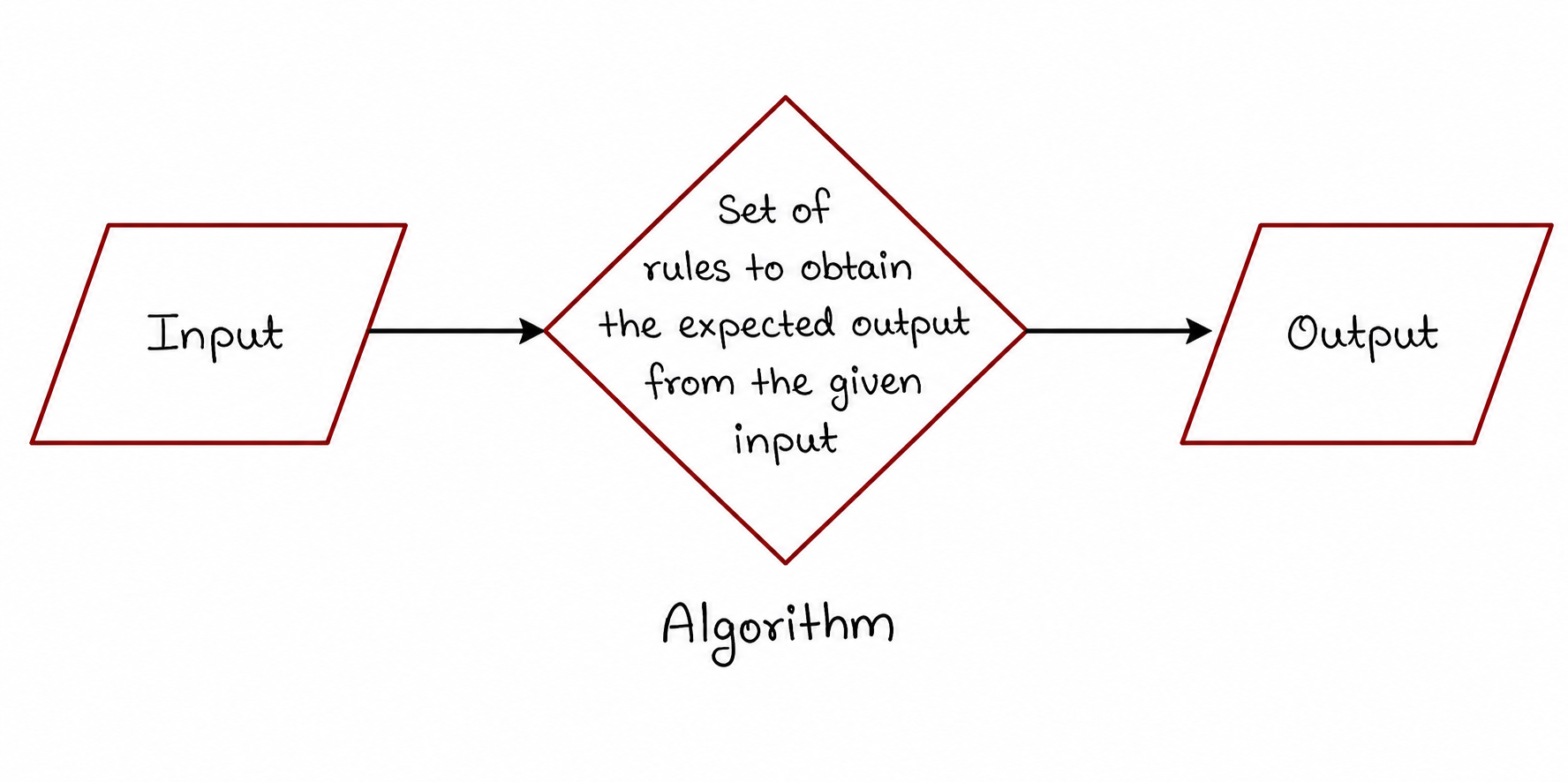
The above diagram illustrates the basic concept of an algorithm. It receives input, processes the data according to a set of rules, and produces the desired output. This simple structure forms the foundation of all computer programs.
What is an Algorithm?
An algorithm is a finite sequence of well-defined instructions used to solve a problem or perform a specific task. It provides a logical approach for converting input into the desired output. Algorithms are independent of programming languages and can be implemented using any language such as Python, Java, C++, or JavaScript.
In simple words, an algorithm is like a recipe for preparing food. Just as a recipe provides step-by-step instructions to prepare a dish, an algorithm provides step-by-step instructions to solve a problem.
Need for Algorithms
Algorithms play a vital role in programming because they help programmers think logically before coding. They simplify complex problems and provide a clear roadmap for implementation.
- Provide a structured approach to problem solving.
- Reduce programming errors.
- Improve code efficiency.
- Save development time.
- Help in debugging and testing.
- Make programs easier to understand and maintain.
Characteristics of an Algorithm
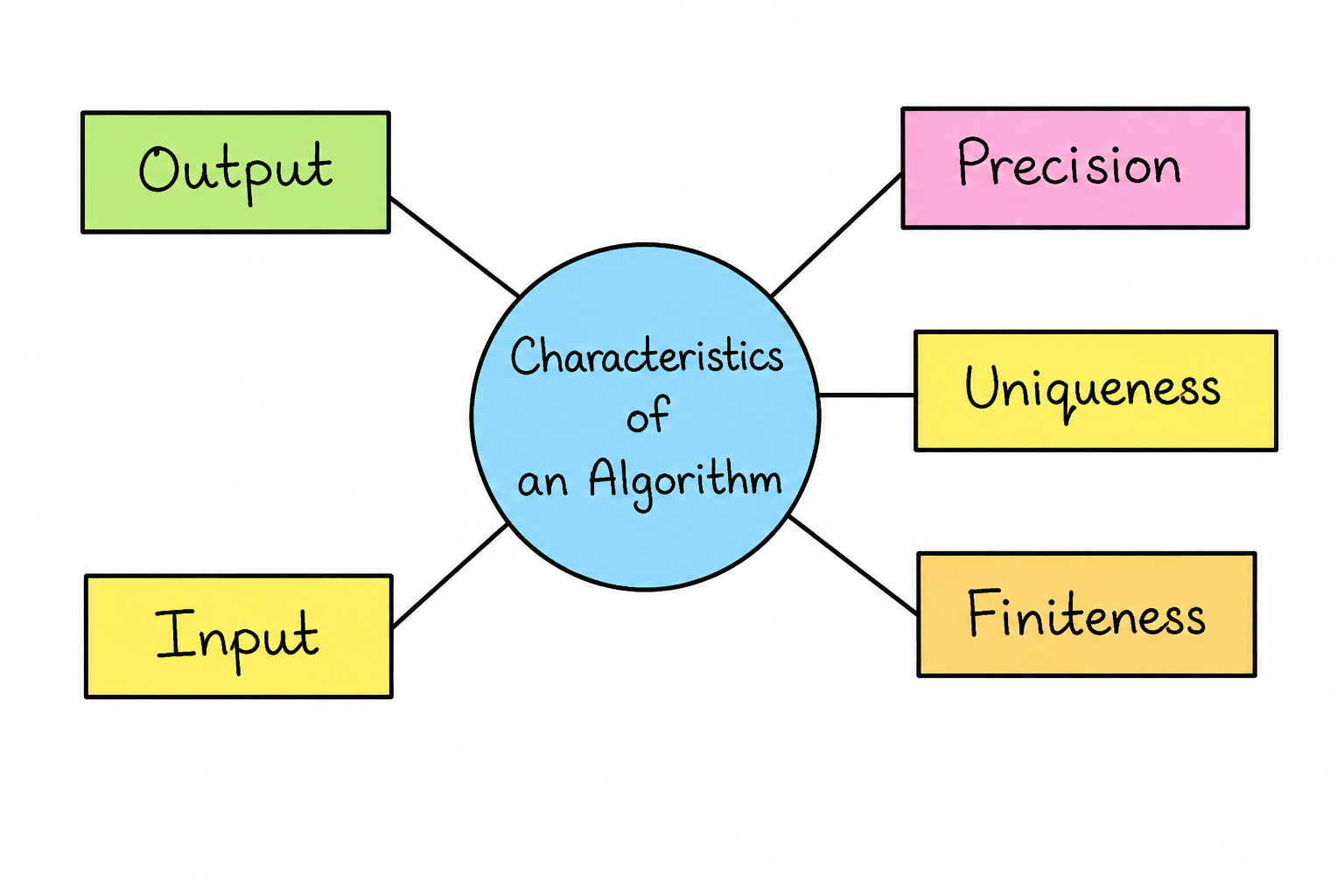
A good algorithm possesses several important characteristics that ensure correctness, efficiency, and reliability.
1. Input
An algorithm may accept zero or more inputs. Inputs are the values provided by the user or another system to solve a problem.
2. Output
Every algorithm must produce at least one output. The output is the final result obtained after processing the input.
3. Precision
Each instruction in an algorithm must be clear, unambiguous, and easy to understand.
4. Finiteness
An algorithm must terminate after a finite number of steps. It should never run indefinitely.
5. Uniqueness
Every step should have a specific meaning and lead toward solving the problem.
Advantages of Algorithms
- Easy to understand and implement.
- Language independent.
- Helps in detecting logical errors.
- Provides a systematic solution.
- Improves problem-solving skills.
- Facilitates program maintenance.
Limitations of Algorithms
- Time-consuming for very large problems.
- Complex algorithms may become difficult to understand.
- Not suitable for visual representation.
- May require extensive documentation.
Algorithm Examples
Example 1: Sum of Two Numbers
Problem: Find the sum of two numbers.
Algorithm
- Start
- Input Number1
- Input Number2
- Sum = Number1 + Number2
- Display Sum
- Stop
Example 2: Find Area of Rectangle
Algorithm
- Start
- Input Length
- Input Width
- Area = Length × Width
- Display Area
- Stop
Example 3: Check Even or Odd Number
Algorithm
- Start
- Input Number
- If Number % 2 = 0
- Display "Even Number"
- Else Display "Odd Number"
- Stop
Introduction to Flowcharts
A flowchart is a graphical representation of an algorithm. It uses standardized symbols connected by arrows to show the flow of execution. Flowcharts make it easier to understand program logic and are widely used during software design.
Flowcharts provide a visual approach to problem solving and help programmers communicate program logic effectively with team members and stakeholders.
Why Use Flowcharts?
- Easy visualization of program logic.
- Improves communication among developers.
- Simplifies debugging and testing.
- Helps identify errors before coding.
- Makes documentation easier.
Flowchart Symbols
Terminator (Oval)
Represents the Start or End of a flowchart.
Process (Rectangle)
Represents calculations, operations, or processing steps.
Input / Output
Used for accepting input or displaying output.
Decision (Diamond)
Represents conditional checking such as Yes/No decisions.
Flow Line
Shows the direction of program execution.
Connector
Connects different parts of a flowchart.
Flowchart Example: Sum of Two Numbers
Input A, B
Display Sum
Flowchart Example: Even or Odd Number
Input Number
Display Even
Display Odd
Difference Between Algorithm and Flowchart
| Algorithm | Flowchart |
|---|---|
| Written in steps. | Graphical representation. |
| Easy to write. | Easy to visualize. |
| Less space required. | Requires more space. |
| Best for logical planning. | Best for visual understanding. |
Best Practices for Designing Algorithms and Flowcharts
- Keep steps simple and clear.
- Use meaningful variable names.
- Avoid unnecessary complexity.
- Test the logic before coding.
- Use standard flowchart symbols.
- Maintain logical sequence.
Conclusion
Algorithms and flowcharts are essential tools in programming and software development. They provide a structured and visual approach to solving problems, making coding easier and more efficient. By understanding algorithms, flowchart symbols, and design techniques, students can develop strong problem-solving skills and create reliable software solutions.